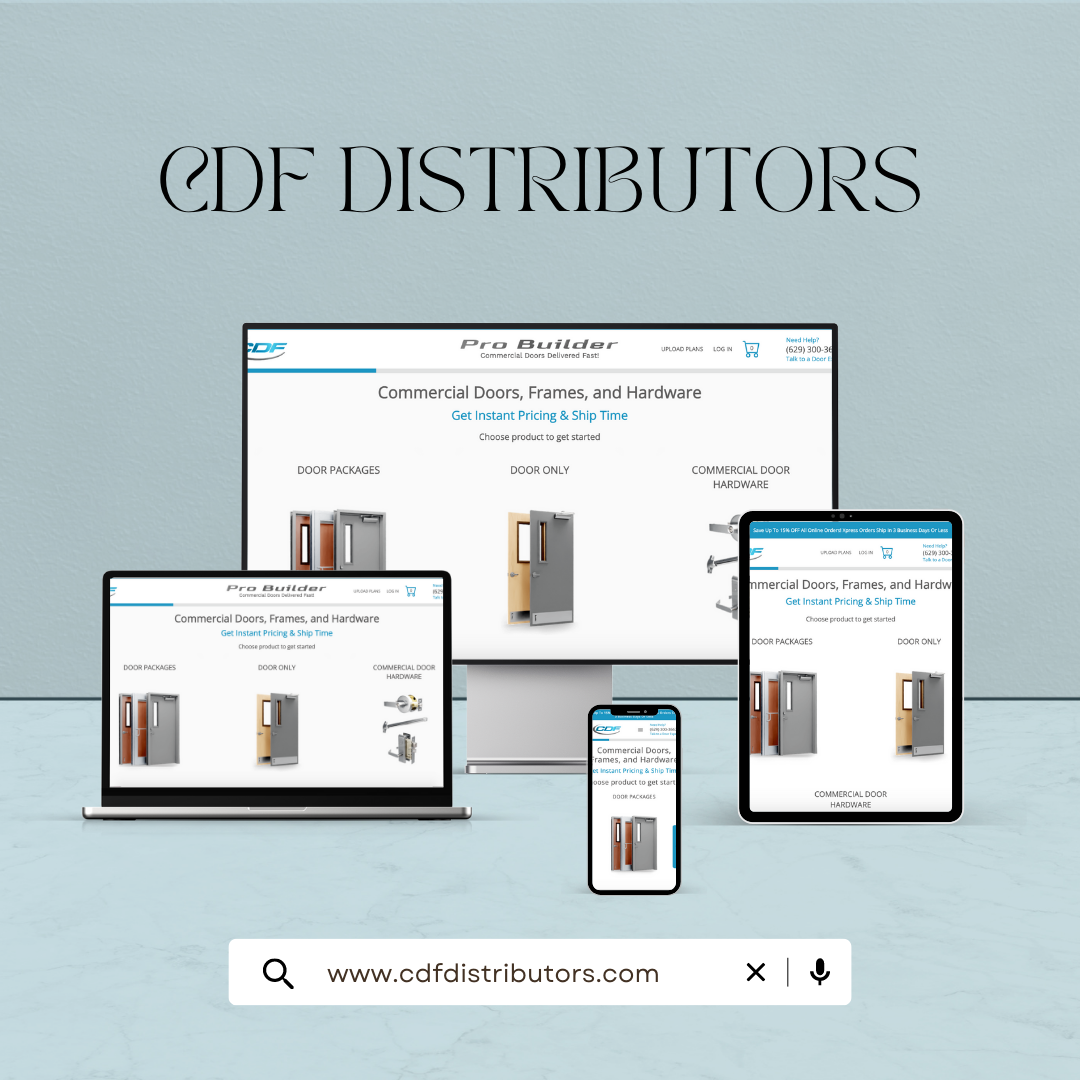
CDF Distributors sells commercial doors, frames and hardware with interconnected choices across door types, sizes, materials, frames, hardware, finishes and add-ons. Infitics built the platform behind its online door builder: a guided configurator connected to pricing, quotes, follow-up, payment, order tracking and QuickBooks.
The CDF Distributors case study records what was built and how. This guide is about what other door distributors can take from it when they decide to automate their own quotes.
The Problem: Quoting Configured Products by Hand
A commercial door quote depends on decisions that build on each other. Producing one required the team to:
- Identify the door type, size and material for the application
- Check frame and hardware compatibility
- Apply the right pricing for the customer
- Produce a quote and send it to the prospect
- Follow up, take payment and move the order forward across separate steps
CDF's CEO describes work that used to take hours. Most door distributors will recognize the pattern: the knowledge is in the team, but every quote has to be assembled again.
Six Decisions That Made the Quote Path Work
- Start with the customer-facing path. CDF's priority was letting buyers configure and price doors themselves. For another distributor the constraint may be the ERP handoff or a contractor portal, so start where the delay actually is.
- Encode the rules once. Compatibility and pricing live in one maintained model that both the customer configurator and the internal team use, instead of in spreadsheets and memory.
- Price inside the configuration. A custom pricing engine applies CDF's rules as each choice is made, so the buyer sees a valid price before a quote exists.
- Break complexity into steps. A 12-step designer sequences door type, size, material, frame, hardware, finish, fire rating and accessories, so buyers never face the whole product model at once.
- Connect what happens after the quote. Follow-up, online payment through Stripe, order confirmation and tracking continue from the same record, which removes more manual work than automating the quote alone.
- Integrate the system of record. QuickBooks receives the resulting transaction, so accounting does not re-key what sales already captured.
The Published Outcome
The named client statement supports the operational change from manual quote work to a connected lead-to-payment workflow:
- Guided configuration carries the selected product details into the quote
- Connected follow-up and payment keep the customer journey in one workflow
- Central pricing rules give the customer and internal team the same product logic
- QuickBooks integration connects the resulting transaction with accounting
"The door builder and quote system completely automated our process from lead generation to payment processing. What used to take hours now happens automatically. The software handles everything — quotes, follow-ups, payments. It's exactly what we needed."
— Wayne Foreman, CEO, CDF Distributors
Apply It to Your Own Quote Workflow
- Pick one product family that is quoted often and causes rework, rather than the whole catalog.
- Write down its rules: valid combinations, preparations, ratings and price logic, including the exceptions experienced staff handle from memory.
- Define the handoff: what an accepted quote must pass to purchasing, production or accounting so nobody enters it twice.
- Decide what buyers can do themselves: configure and price, request a reviewed quote, pay online, or only check status.
- Measure before and after: quote turnaround, corrections and re-keyed orders for that product family.
Questions to Ask Before You Automate Door Quotes
- Which product lines generate the most quotes, and which generate the most corrections?
- Who maintains the rules today, and who will maintain them in the new system?
- Which prices are standard, and which depend on the customer, project or volume?
- Which system is the record for customers, orders and invoices?
- Which steps must stay with a person, such as review of non-standard openings?
Our quote-to-order scorecard turns these questions into a five-minute assessment, and the commercial door software buying guide covers the decision to buy, extend or build.
Visit the Live Platform
CDF's online buying path is live at cdfdistributors.com, where you can see custom door configuration software working in production.